
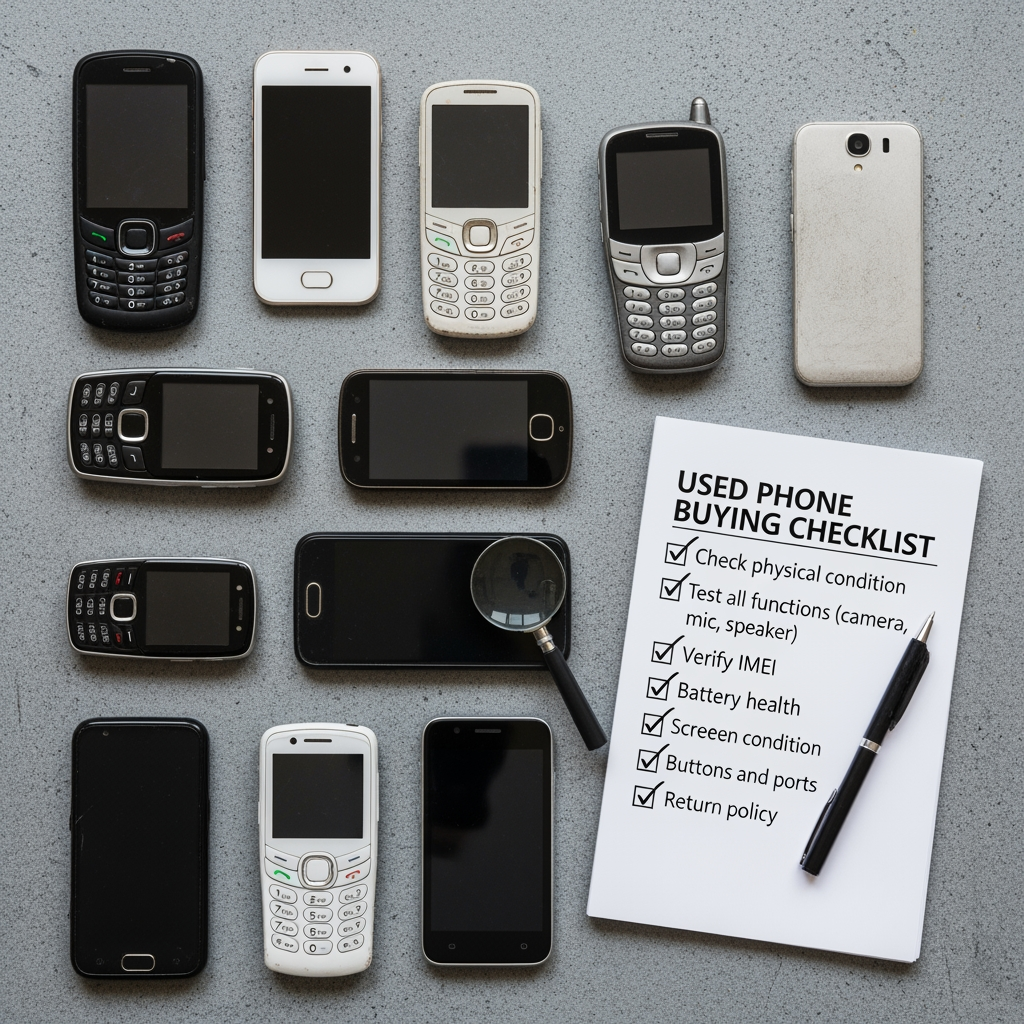
Buying a used phone can save you hundreds of dollars, but it can also cost you everything if you're not careful. I've seen people get scammed with stolen iPhones that stop working a week later. Phones with hidden screen damage that appears after a few days. Devices locked to previous owners' accounts that become expensive paperweights.
After buying and selling hundreds of used phones over the years, I've learned exactly what to check and how to avoid every common scam. This isn't theoretical advice these are the actual tests I run before handing over money. Takes about 15 minutes, has saved me thousands of dollars in avoided bad purchases.
Whether you're buying an iPhone 15, Samsung Galaxy S24, Xiaomi Redmi Note, or budget Tecno phone, this checklist works universally. The principles are the same: verify authenticity, test hardware, check software, confirm clean ownership status.
📋 Before You Even Meet the Seller
1. Research the Model You're Buying
Know the phone's original retail price, typical used prices, and common issues for that specific model.
Check current prices: Swappa.com, eBay sold listings, Facebook Marketplace, official retailer clearance prices. If someone's selling an iPhone 14 Pro for 40% below market rate, ask yourself why. Sometimes it's stolen. Sometimes it's broken. Sometimes it's fake. Rarely is it just a "good deal."
Research common issues: Every phone model has known problems. Galaxy S20 has green tint screen issues. iPhone 12 has display problems. Pixel 6 has modem bugs. Knowing these beforehand means you can specifically test for them.
2. Ask for IMEI/Serial Number Before Meeting
Legitimate sellers will provide this. Scammers won't because they know you'll discover the phone is blacklisted or stolen.
Ask seller to text you a photo of Settings → About Phone showing IMEI/serial number. Or ask them to dial *#06# and screenshot the result. You can check blacklist status BEFORE wasting time meeting up.
3. Check IMEI Against Databases
Run the IMEI through these free checkers: CheckMend.com, Swappa.com/esn, IMEI.info, and carrier-specific checkers.
Red flags: Blacklisted/barred status, reported lost or stolen, insurance claim filed, outstanding finance balance, invalid/non-matching IMEI.
Real example: Someone offered me a "mint condition" Galaxy S23 Ultra at a suspiciously good price. IMEI check showed it was blacklisted by Verizon for non-payment. Would've been useless on any carrier. Saved $650 by checking first.
🤝 Meeting the Seller Safely
Meet at carrier store (best option they can help verify), bank lobby (security cameras), police station parking lot (safe exchange zones), or busy coffee shop with good lighting.
Never: Their house, your house, secluded parking lots, late at night.
Bring a charged phone for online verification and exact cash amount.
📱 Physical Inspection (2 Minutes)
Screen Examination
What to look for: Cracks, scratches, dead pixels, burn-in (permanent ghost images on AMOLED), touch responsiveness, brightness uniformity.
Testing method: Display solid white image in Chrome browser look for discoloration, yellow/green tints, dark spots. Display solid black look for stuck pixels (bright dots). Swipe across entire screen testing touch.
Pro tip: Take the phone outside in sunlight. Screen defects invisible indoors become obvious in bright light.
Body Inspection
Check for: Deep dents or bends (dropped phone, internal damage), separated frame (gap between screen and body suggests poor repair), loose buttons, scratched camera lens, charging port debris or bent pins, SIM tray condition.
Water damage indicators: Most phones have internal stickers that change color when wet. On iPhones, check SIM tray and charging port (white normally, red/pink if water damaged).
🔧 Hardware Testing (5 Minutes)
IMEI Verification On-Device
Dial *#06# on the phone. IMEI appears instantly. Compare this to: IMEI on box, IMEI in Settings → About Phone, IMEI you pre-checked online. All three must match exactly.
Brand-Specific Diagnostic Codes
Samsung: *#0*# opens LCD test menu. Run Red/Green/Blue (check dead pixels), Touch test (draw across entire screen), Vibration, Speaker, Sensor tests, Camera tests. Spend 2-3 minutes running through everything.
iPhone: *#06# for IMEI, *3001#12345#* for Field Test Mode (signal strength). Check Settings → Battery → Battery Health (must show 80%+ capacity). Settings → General → About → Carrier Lock (should say "No SIM restrictions" if unlocked).
Xiaomi/Redmi/POCO: *#*#64663#*#* opens CIT menu. Test key test, touch screen, LCD test, vibration, camera (all lenses), flash, speaker/mic, sensors, Bluetooth, WiFi, GPS.
Tecno/Infinix: *#*#3646633#*#* opens MTK engineering mode. Check battery health, sensor data, network information.
Google Pixel: *#*#4636#*#* opens testing menu. Check phone info, signal strength, usage stats.
Universal Hardware Checks
Camera: Take photo with each lens, review for focus issues or dead pixels, test flash, record video with audio.
Speaker/Mic: Play YouTube at full volume (listen for distortion), make test call, test speakerphone.
Connectivity: Connect WiFi (use your hotspot), pair Bluetooth (your earbuds), insert your SIM (verify calls/data), open Maps (GPS lock), test NFC if present.
Buttons/Ports: Press every button, plug in charger (should charge immediately), plug headphones if 3.5mm exists, test fingerprint sensor, test face unlock.
Battery drain test: Note battery percentage, run heavy app (YouTube, camera) for 5 minutes, check again. Should drop 3-5%, not 15-20%.
🔒 Critical Account & Lock Checks
iPhone: iCloud Activation Lock
THE most important check for iPhones. An iCloud-locked iPhone is a brick.
How to check: Settings → [User Name at top] should show "Sign in to your iPhone" (no account logged in). Ask seller to: Settings → [Their Name] → Sign Out → Enter password → Turn off Find My → Sign out.
Or do factory reset in front of you: Settings → General → Transfer or Reset iPhone → Erase All Content and Settings. Watch restart. Should show "Hello" setup screen, NOT "Activation Lock" screen.
Never accept: "I'll remove it later" or "I forgot the password." Walk away.
Android: Google FRP (Factory Reset Protection)
After factory reset, phone requires previous Google account login.
How to check: Settings → Accounts → Check if Google account is listed. Ask seller to remove: Settings → Accounts → Google → Remove Account. Then factory reset: Settings → System → Reset → Factory Data Reset. Should restart showing setup WITHOUT asking for previous account.
If seller refuses to remove account don't buy. FRP can be bypassed with professional tools, but better to avoid FRP-locked phones entirely.
Carrier Lock Status
iPhone: Settings → General → About → Carrier Lock. "No SIM restrictions" = unlocked. Carrier name = locked to that carrier.
Android: Settings → About Phone → Status → SIM Lock Status. Or insert SIM from different carrier if works, unlocked.
💾 Software & Battery Checks
Operating System Version
iPhone: Settings → General → About → iOS Version (iOS 15+ acceptable as of 2024)
Android: Settings → About Phone → Android Version (Android 11+ acceptable)
Check if updates available: Settings → Software Update.
Storage Capacity Verification
Scam alert: Modified phones sometimes report fake storage. 64GB phone shows as 256GB but only has 64GB actual space.
Check Settings → Storage, compare to original specs, download large app to test actual space.
Battery Health
iPhone: Settings → Battery → Battery Health → Maximum Capacity
- 95-100%: Excellent
- 85-94%: Good
- 80-84%: Fair (expect replacement within year)
- Below 80%: Poor (replace soon)
Android: Use diagnostic codes or install AccuBattery app. Run quick field test: charge to 100%, run heavy app for 10 minutes. If drops below 85%, battery health is poor.
📝 Complete Inspection Checklist
Before Meeting (5 min)
☐ Research market price
☐ Get IMEI from seller
☐ Check IMEI on CheckMend/Swappa
☐ Arrange public meeting place
Physical (2 min)
☐ Screen: no cracks/dead pixels
☐ Body: no deep dents
☐ Buttons: all responsive
☐ Ports: clean, no damage
☐ Water indicators: check
IMEI (1 min)
☐ Dial *#06#, verify matches
☐ Compare to Settings IMEI
☐ Compare to box IMEI
Hardware (5 min)
☐ Run diagnostic code for brand
☐ Test all cameras
☐ Test speakers/mic
☐ Test WiFi/Bluetooth
☐ Test charging
☐ Test all buttons
☐ Test GPS
Accounts (3 min)
☐ iPhone: iCloud signed out
☐ Android: Google account removed
☐ Check carrier lock
☐ Find My Device OFF
Software (2 min)
☐ Check OS version
☐ Verify storage capacity
☐ Check battery health (80%+)
☐ Test battery drain
Final (1 min)
☐ Insert your SIM, verify works
☐ No activation lock appears
☐ Price negotiated
☐ Payment made safely
🚨 Common Scams
iCloud Lock Scam: Phone works during test. You buy it. First reset activation lock appears. Phone bricked. Prevention: Do factory reset during meeting.
Blacklist Delay: Phone works initially. Week later, no cellular connection. IMEI now blacklisted. Seller reported stolen after sale. Prevention: Check IMEI, get receipt with seller ID.
Display Replacement: Screen looks perfect indoors. Outside in sunlight barely visible. Cheap aftermarket display. Prevention: Test in bright light.
Battery Swap: Battery health shows 100% but phone dies at 40%. Fake battery reporting false data. Prevention: 10-minute drain test.
Fake Phone: Looks like iPhone/Samsung but Chinese clone. Prevention: Verify IMEI on manufacturer website, run diagnostic codes (won't work on fakes), check weight.
💰 Price Negotiation
Issues Justifying Lower Price
- Battery below 85%: -$50-100
- Screen scratches: -$20-50
- Cosmetic damage: -$30-80
- Carrier locked: -$50-100
- No box/accessories: -$20-30
Deal Breakers (Walk Away)
- ❌ Blacklisted IMEI
- ❌ iCloud/FRP locked
- ❌ Cracked screen
- ❌ Non-functional hardware
- ❌ Water damage
- ❌ Seller refuses testing
- ❌ IMEI doesn't match
📄 Documentation
Get written receipt including: date, phone model, IMEI, price, condition, seller name/contact, both signatures.
Take photos of: IMEI screen (*#06#), Settings → About screen, phone from all angles, any defects, receipt, seller's ID (with permission).
🔗 Essential Resources
📥 Mobile Firmware Downloads - If you buy a used phone with software issues, find official stock firmware for Samsung, Xiaomi, Vivo, Oppo, Realme, Tecno, Infinix. Tested files with flashing guides for restoring devices to factory state.
🛠️ Flash Tools & Software - Essential tools for restoring used phones: Odin for Samsung, SP Flash Tool for MediaTek, QFIL for Qualcomm, Mi Flash Tool for Xiaomi. Complete driver packages and setup instructions.
🔓 FRP Unlock Solutions - If you accidentally buy an FRP-locked Android phone, professional tools and guides for bypassing Google Factory Reset Protection legally. Prevention is better, but these help if needed.
📖 Mobile Repair & Buying Guides - More guides on phone buying, firmware flashing, unbrick solutions, IMEI repair, bootloop fixes, and smartphone troubleshooting for all brands.
❓ Common Questions
How long should a used phone inspection take?
15-20 minutes for complete inspection. 2 minutes physical check, 5 minutes hardware testing with diagnostic codes, 3 minutes account verification, 2 minutes software/battery checks, 3-5 minutes final testing. Legitimate sellers understand thorough buyers. If seller rushes you, walk away.
Can I trust IMEI check websites?
Use multiple sites for verification: CheckMend.com, Swappa.com/esn, IMEI.info, and official carrier checkers. If all show clean status, it's reliable. Also check IMEI on manufacturer's website to verify authenticity. One site might have outdated data, multiple sites provide confirmation.
What if seller won't let me test the phone?
Don't buy. Period. Legitimate sellers have nothing to hide and want you satisfied with purchase. If they refuse diagnostic codes, factory reset, IMEI check, or SIM insertion, they're hiding something. Common excuses: "I'm in a hurry," "Don't have time," "Just trust me." All red flags. Walk away immediately.
Should I buy phones with cracked screens if price is good?
Depends on crack severity and your ability to replace screen. Minor crack along edge: maybe okay if price reflects it. Spiderweb crack across display: probably not worth it replacement costs $150-300 for quality screens. Also check if touch still works everywhere. Cracked screens often have dead touch zones not immediately obvious.
How do I know if a used phone is stolen?
Check IMEI on CheckMend or Swappa shows if reported stolen/lost. Check if Find My Device (Android) or Find My iPhone is still active (owner tracking it). Ask for original purchase receipt. Check if seller's ID matches receipt name. Stolen phones are often sold by someone other than original purchaser without proof of ownership.
Is buying from pawn shops safer than individuals?
Slightly safer pawn shops check IMEI and hold items for law enforcement review period. But they don't always test thoroughly. You still need to run full inspection checklist. Advantage: established business with location you can return to if issues. Disadvantage: less negotiation room on price than private sellers.
📝 Final Checklist Summary
Used phone buying comes down to verification at every level: verify authenticity (IMEI check), verify hardware (diagnostic codes and physical tests), verify software (OS version and battery health), verify ownership (no account locks).
The 15-minute inspection process protects you from 99% of scams. Skipping even one step opens you to risk. That "great deal" phone sold in a parking lot without testing? It's probably too good to be true.
Remember: legitimate sellers welcome testing. Scammers pressure you to skip it. Trust your gut. If something feels off, walk away. There's always another phone for sale, but you can't recover money paid for a stolen or broken device.
Use diagnostic codes specific to each brand (Samsung *#0*#, Xiaomi *#*#64663#*#*, iPhone Field Test Mode). These codes reveal hardware issues sellers hide. They're your secret weapon for thorough testing.
For software issues discovered after purchase, visit MobiFirms.com for official firmware, flash tools, and repair guides. Sometimes a used phone just needs proper software restoration to become reliable.
Print this checklist. Keep it on your phone. Reference it during every used phone inspection. The few minutes spent testing thoroughly save hundreds or thousands in avoided bad purchases. If this guide helped, share it with friends and check the MobiFirms blog for more mobile device guides.
Stay smart, test everything, and never let a seller rush you! 📱✅