
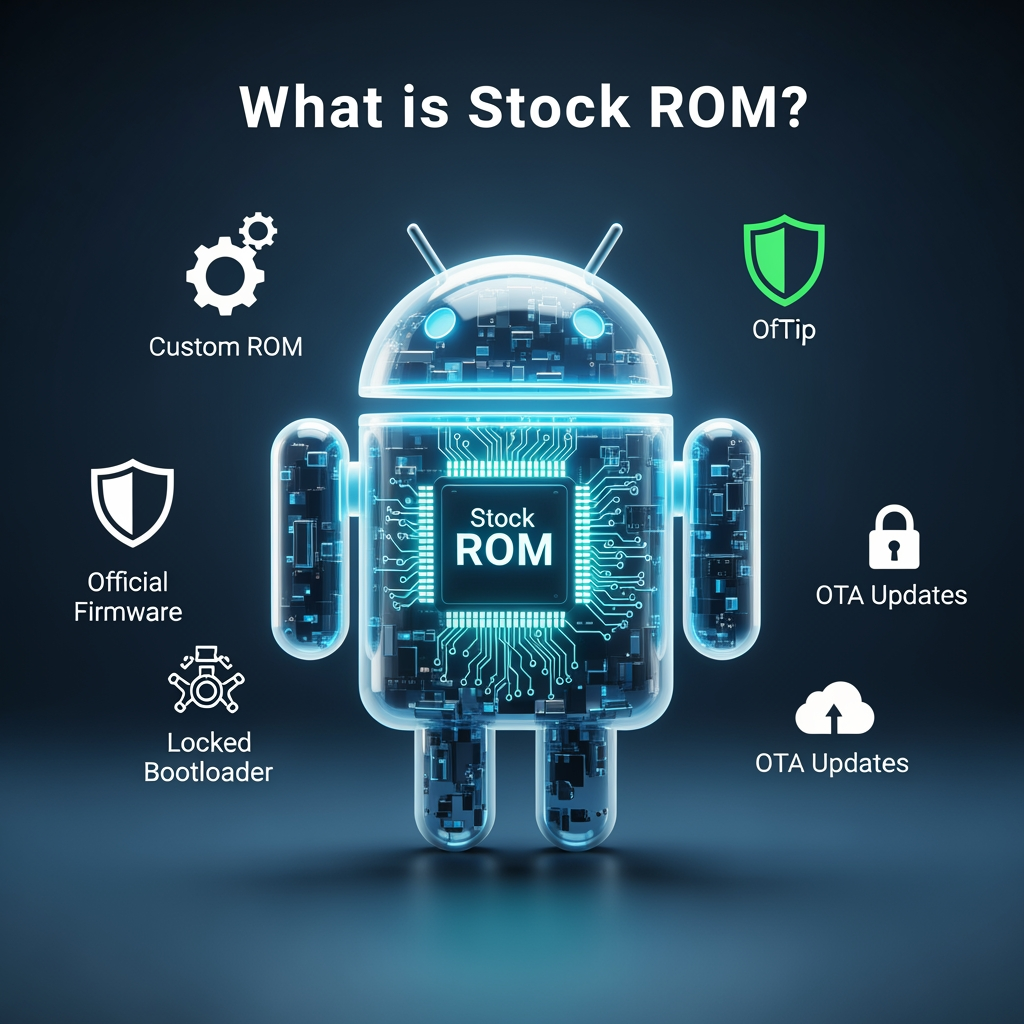
What is Stock ROM? Complete Guide to Android Firmware Types
If you're exploring Android customization, repair, or troubleshooting, you've probably encountered terms like "stock ROM," "custom ROM," and "firmware." But what do these terms actually mean, and why do they matter?
In this comprehensive guide, we'll explain everything you need to know about stock ROM, different firmware types, and when you should use each one.
What is Stock ROM?
Stock ROM (Read-Only Memory) is the official operating system that comes pre-installed on your Android device from the manufacturer. It's the "stock" or original firmware created specifically for your device model by brands like Samsung, Xiaomi, Oppo, or Vivo.
Stock ROM includes:
- Android operating system (Google's base OS)
- Manufacturer's custom skin (One UI, MIUI, ColorOS, etc.)
- Pre-installed apps and bloatware
- Device drivers and hardware configurations
- Security patches and updates
- Bootloader and recovery partitions
Stock ROM vs Custom ROM: What's the Difference?
Stock ROM (Official Firmware)
Pros:
- ✅ Official support and regular updates
- ✅ Optimized for your specific device
- ✅ Stable and reliable performance
- ✅ Warranty remains valid
- ✅ Banking apps work without issues
- ✅ OTA updates from manufacturer
Cons:
- ❌ Limited customization options
- ❌ Bloatware pre-installed
- ❌ Manufacturer restrictions
- ❌ Delayed Android version updates
Custom ROM (Modified Firmware)
Pros:
- ✅ Extensive customization features
- ✅ Latest Android versions
- ✅ No bloatware
- ✅ Better performance on older devices
- ✅ Root access available
Cons:
- ❌ Voids manufacturer warranty
- ❌ Potential stability issues
- ❌ Banking apps may not work
- ❌ No official support
- ❌ Risk of bricking device
Types of Android Firmware Files
1. Official Stock ROM
The unmodified firmware released by device manufacturers. Available in different formats:
- Samsung: .tar or .tar.md5 files (flashed via Odin)
- Xiaomi: Fastboot ROM (.tgz) or Recovery ROM (.zip)
- Oppo/Realme: OFP files (MSM Download Tool)
- MediaTek devices: Scatter-based packages (SP Flash Tool)
- Qualcomm devices: RAW program files (QFIL)
Download official stock ROM for all brands at MobiFirms firmware section.
2. Custom ROM
Modified versions of Android created by independent developers:
- LineageOS: Most popular, clean Android experience
- Pixel Experience: Google Pixel features on any device
- Resurrection Remix: Extensive customization options
- Paranoid Android: Unique features and performance
3. Combination Firmware
Special engineering firmware used for testing and FRP bypass (Samsung devices). Not for daily use - only for troubleshooting and unlocking.
4. Test Firmware
Pre-release firmware for beta testing new features. May contain bugs and stability issues.
5. Regional Firmware
Stock ROM customized for specific countries or carriers. Same base firmware but different apps, languages, and carrier configurations.
When Should You Flash Stock ROM?
1. Device is Bricked or Boot Looping
If your phone won't boot properly, flashing stock ROM can restore functionality. This is the most common reason for firmware flashing.
2. Software Corruption After Update
Failed OTA updates can corrupt system files. Fresh stock ROM installation fixes these issues.
3. Reverting from Custom ROM
Want to return to official firmware? Flashing stock ROM restores your device to factory condition and may restore warranty.
4. Severe Performance Issues
When factory reset doesn't fix lag or crashes, clean firmware installation often resolves deep system problems.
5. Selling or Trading Device
Flash stock ROM to ensure device is in original condition for resale. Buyers prefer unmodified devices.
6. Removing Root or Custom Recovery
Stock ROM flashing removes root access, custom recovery, and modifications, returning device to stock state.
How to Download the Correct Stock ROM
Follow these steps to find the right firmware:
- Find your model number: Settings > About Phone > Model Number (e.g., SM-A525F)
- Check your region/CSC: Important for Samsung devices (Settings > About Phone > Software Information)
- Note Android version: Only download firmware matching or newer than current version
- Verify build number: Ensures you get compatible firmware
- Download from trusted source: Use MobiFirms.com for verified official firmware
Warning: Flashing wrong firmware can permanently brick your device. Always verify model number matches exactly.
Stock ROM File Formats Explained
Samsung (.tar.md5)
Multi-part archives containing AP (Android Platform), BL (Bootloader), CP (Modem), and CSC (Consumer Software Customization) files. Flashed using Odin tool.
Xiaomi Fastboot ROM (.tgz)
Complete firmware package flashed in Fastboot mode using Mi Flash Tool. Requires unlocked bootloader.
Xiaomi Recovery ROM (.zip)
Update package installed via MIUI Recovery. Can be flashed without unlocking bootloader.
MediaTek Scatter Package
Multiple files with scatter loading file (.txt). Flashed using SP Flash Tool. Common for Tecno, Infinix, and Itel devices.
Qualcomm RAW Files
Partition images flashed via QFIL in EDL mode. Advanced method for hard-bricked devices.
Tools Needed for Flashing Stock ROM
Different brands require specific flash tools:
- Samsung: Odin + Samsung USB Drivers
- Xiaomi: Mi Flash Tool + ADB Drivers
- Oppo/Realme: MSM Download Tool (model-specific)
- MediaTek: SP Flash Tool + MediaTek USB Drivers
- General Qualcomm: QPST/QFIL + Qualcomm Drivers
Download all flash tools from MobiFirms flash tools page.
Frequently Asked Questions
Is stock ROM safe to flash?
Yes, flashing official stock ROM from trusted sources is safe when done correctly. Always download from MobiFirms.com to avoid modified or malware-infected firmware.
Will flashing stock ROM delete my data?
In most cases, yes. Stock ROM flashing performs factory reset. Always backup important data before flashing. Some methods allow data preservation using HOME_CSC (Samsung) or clean flash options.
Can I flash stock ROM without unlocking bootloader?
Yes, for most brands. Samsung (Odin), MediaTek (SP Flash Tool), and Oppo/Realme (MSM Tool) don't require bootloader unlock. Xiaomi Fastboot ROM requires unlocked bootloader.
What's the difference between stock ROM and stock firmware?
They're the same thing. "ROM" and "firmware" are used interchangeably to describe the operating system installed on Android devices.
Will stock ROM remove root?
Yes, flashing stock ROM removes root access, custom recovery, and any system modifications, restoring device to factory state.
Can I upgrade Android version with stock ROM?
You can only flash stock ROM versions officially released for your device model. You cannot manually upgrade to Android versions not supported by manufacturer.
Conclusion
Stock ROM is the official firmware that provides stable, optimized performance for your Android device. Whether you're fixing a bricked phone, reverting from custom ROM, or solving software issues, understanding stock ROM is essential.
Always use official firmware from trusted sources to avoid security risks and device damage. Custom ROMs offer exciting features, but stock ROM provides reliability and support that most users prefer.
Download official stock ROM for your device: Browse MobiFirms firmware collection for all major Android brands!
Need help flashing? Check our step-by-step flashing guides for your specific brand.